Highland Thin, a trail above the treeline
Thin air. Violet sky. Black shade.
Highland Thin grades the light of a high plateau: the sky deep and violet overhead, the shade near black, the sun hard on rock. One tap in the free Lightroom app on iPhone and Android, or in Lightroom Classic.
For trekkers and expedition shooters who work above the treeline.
- Works in the free Lightroom app
- Lightroom Classic and desktop too
- Instant download
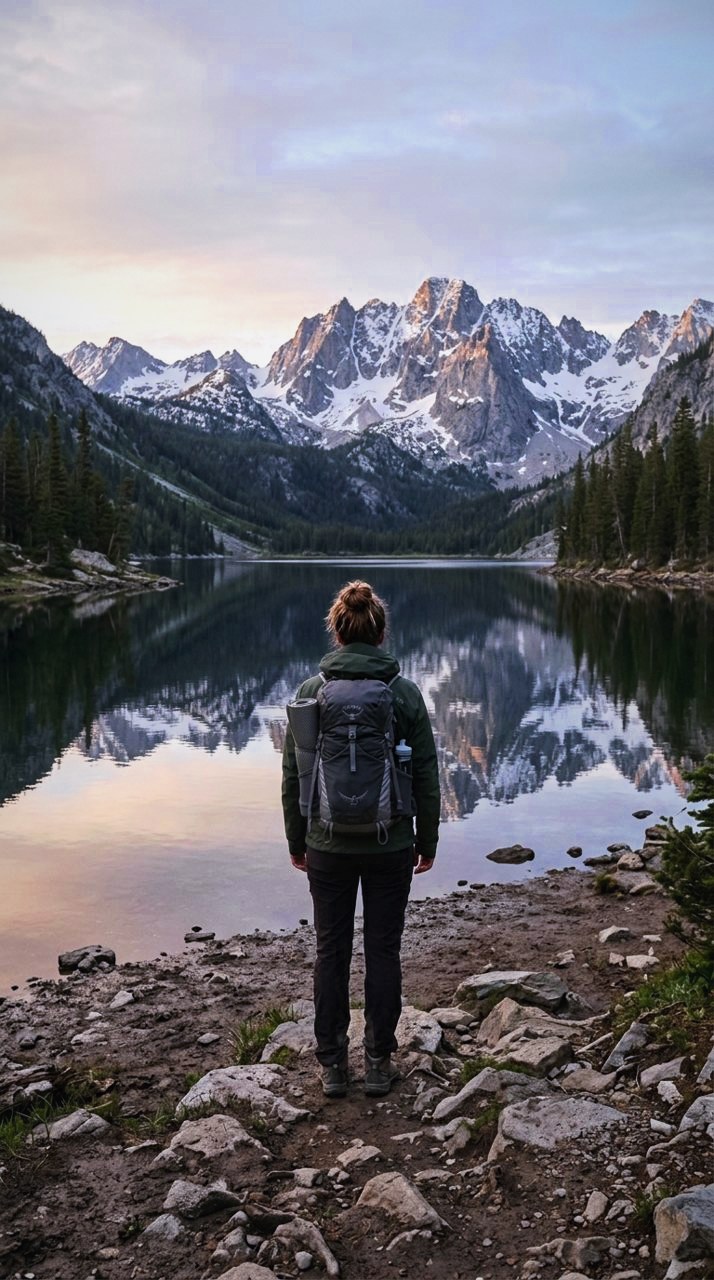
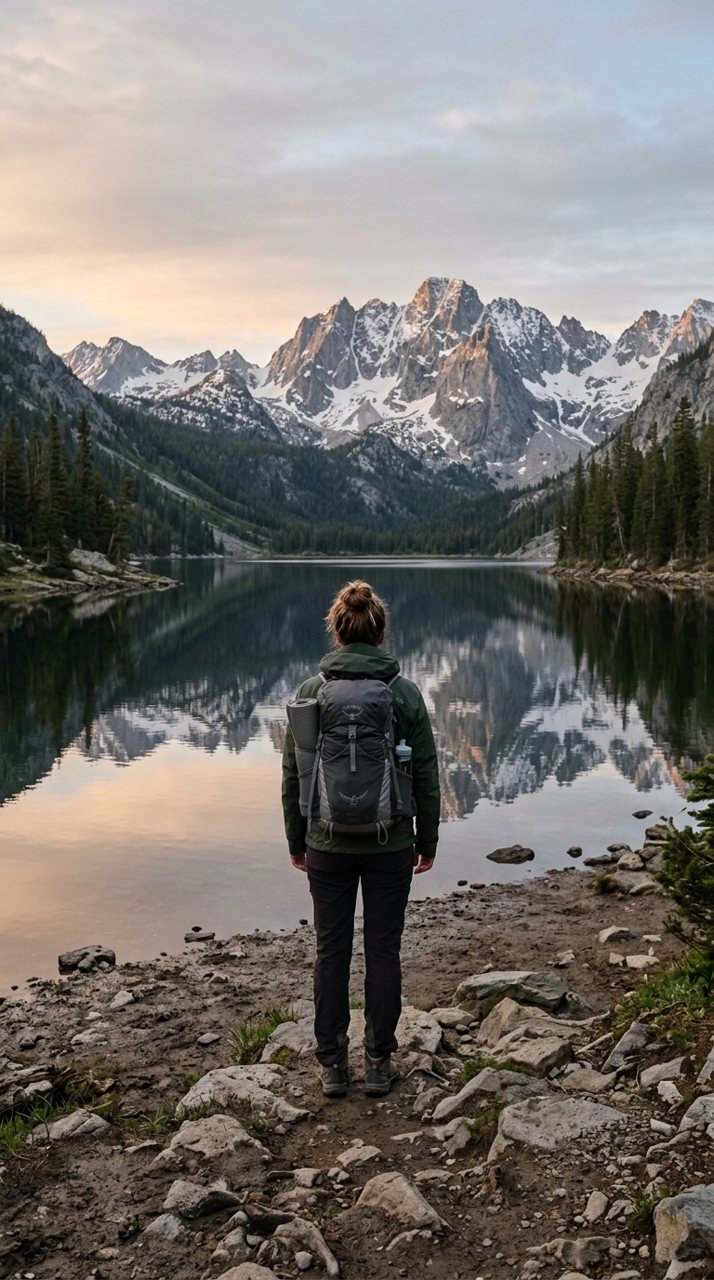
see it
Same trail, one tap apart
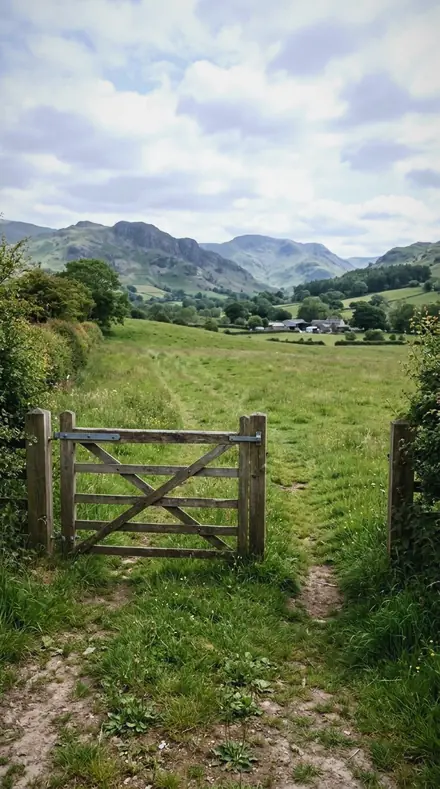
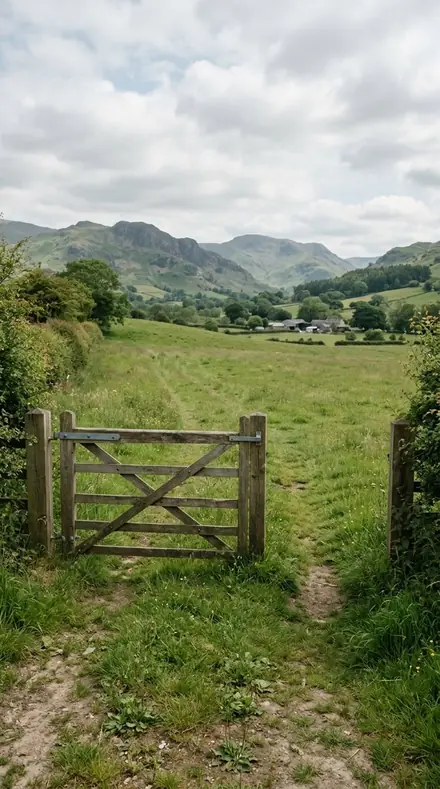
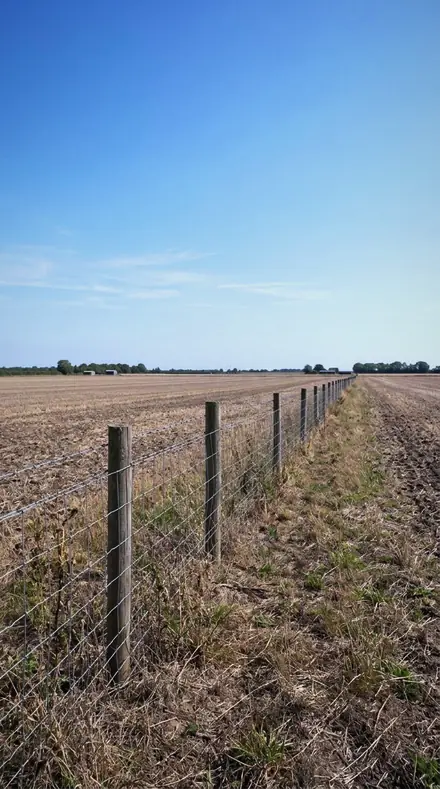
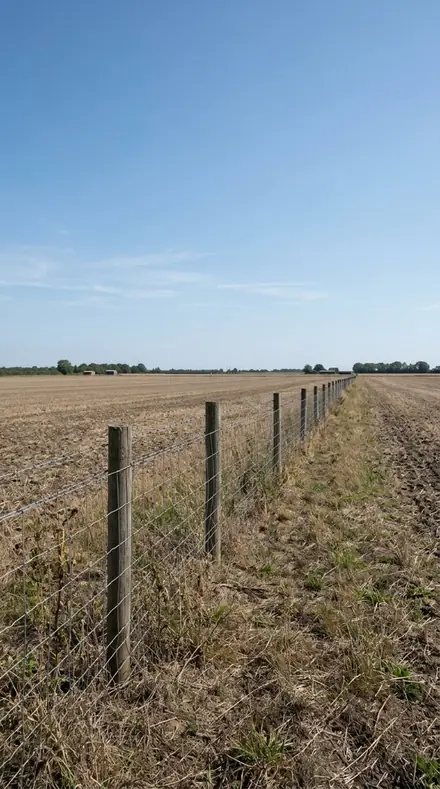
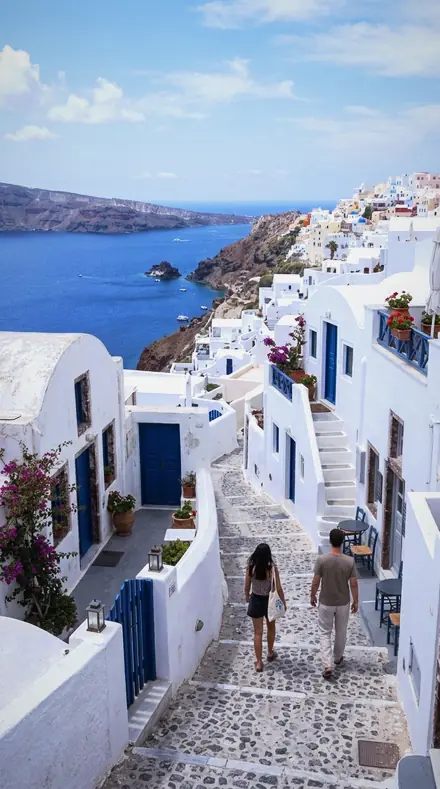
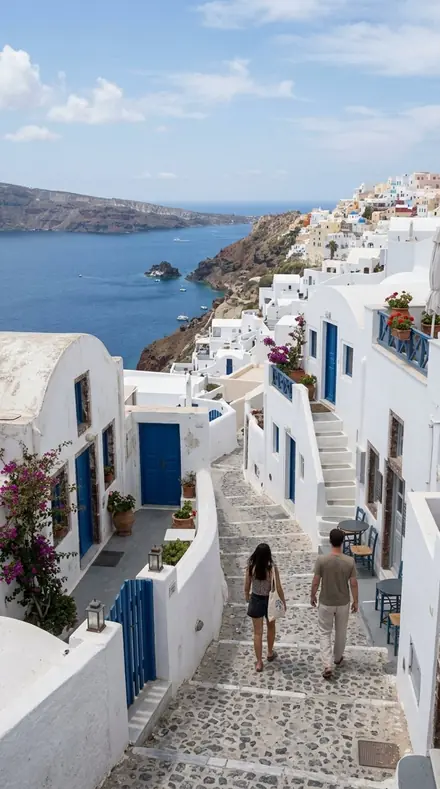
Up here the air scatters less. The sky overhead is the darkest thing in the frame, shade is lit only by that sky, and the beam hits rock with nothing in the way. Every preset in the set starts from that physics and grades toward it.
Three legs. Sky drops the blue toward violet and holds the zenith dark, from the reference Plateau Blue to Indigo Sky. Shade sets the deep end and cools it, then opens just enough to read the rock face beside the trail. Sun handles the glare: highlights held far down for wet or icy stone, scree kept from going flat, a hard-edged beam given a hard-edged curve.
Apply, check the sky, move on. Breath is short; the grade is not.
the trail
The Trail
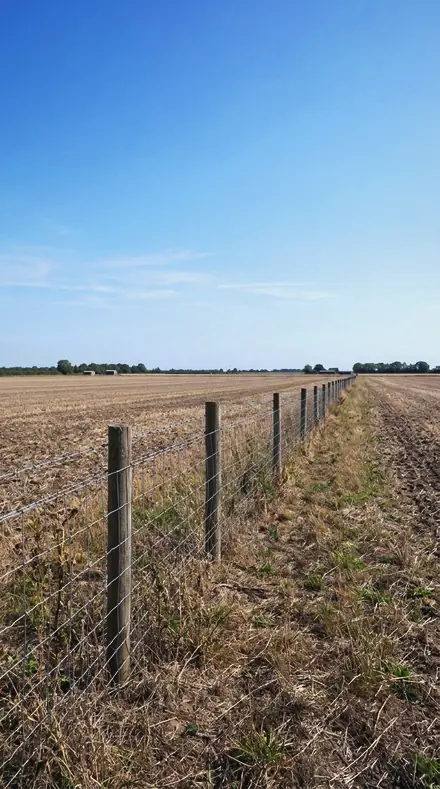
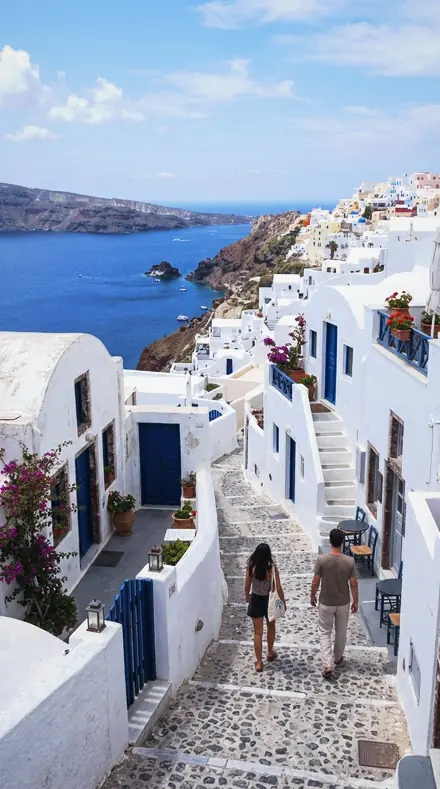
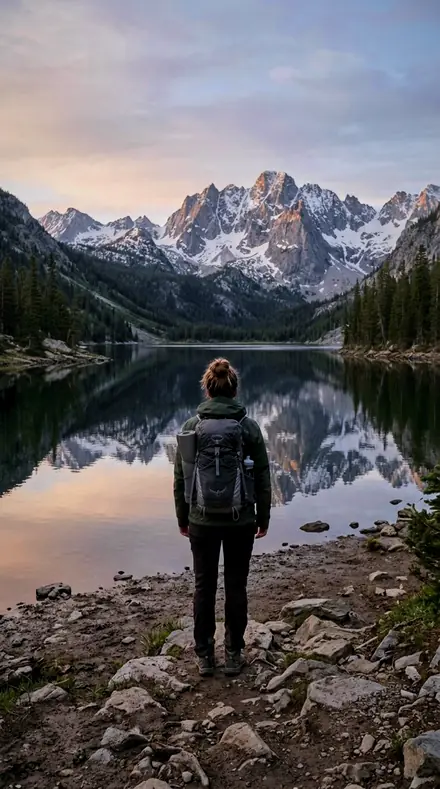
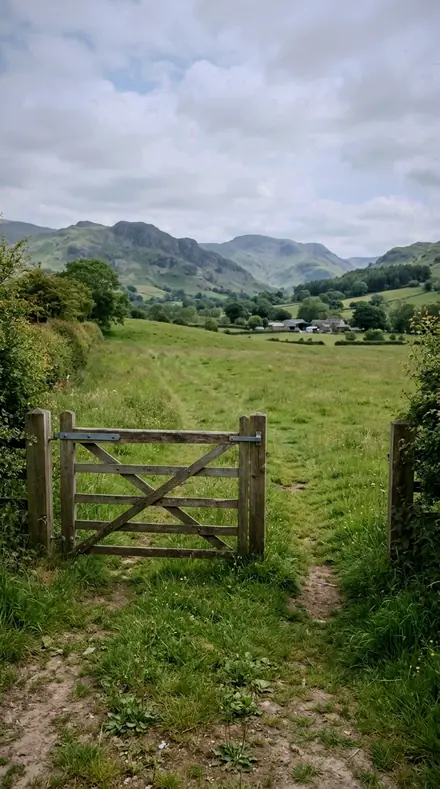
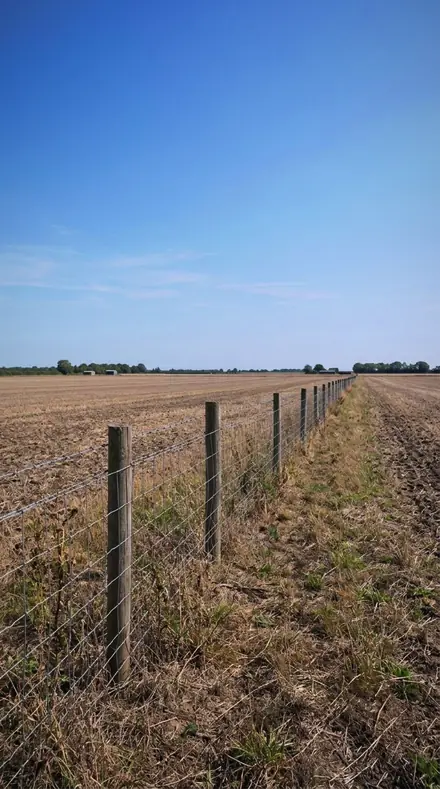
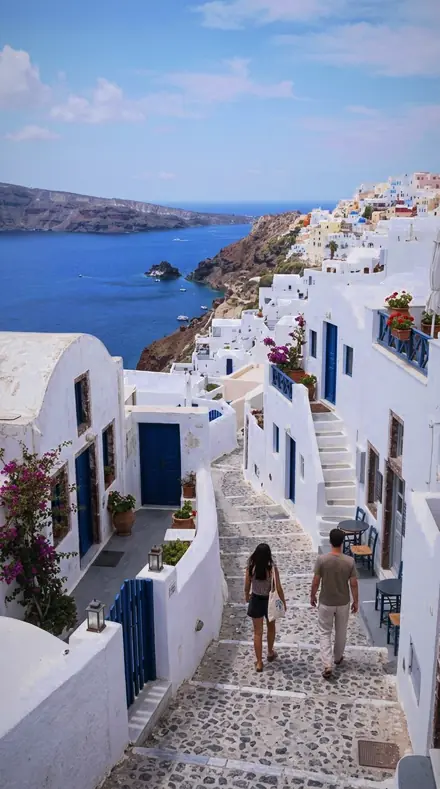
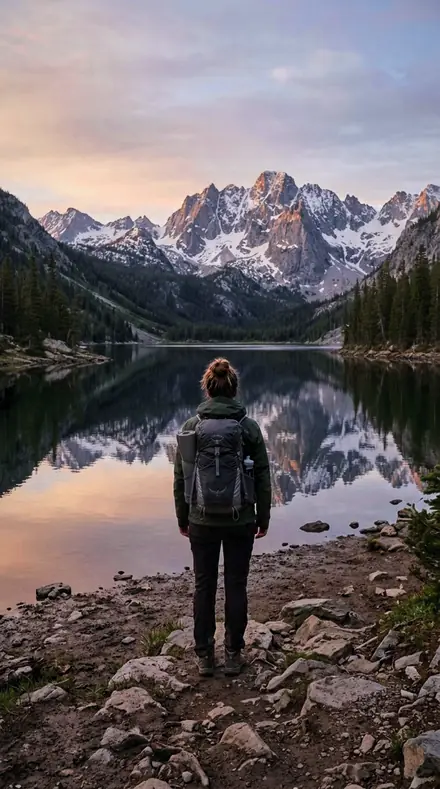
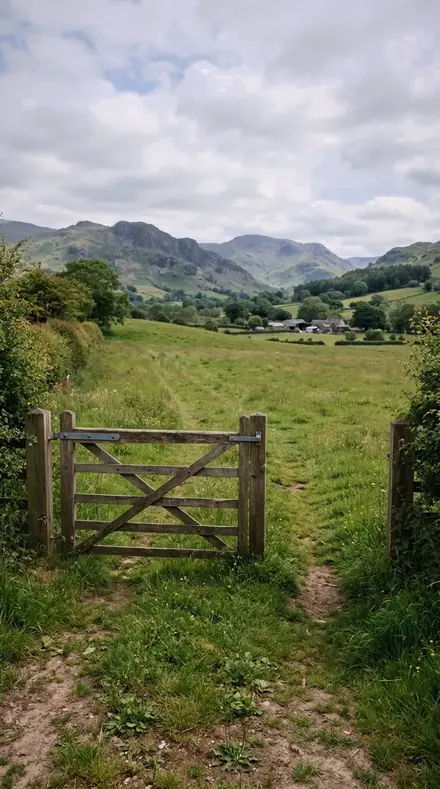
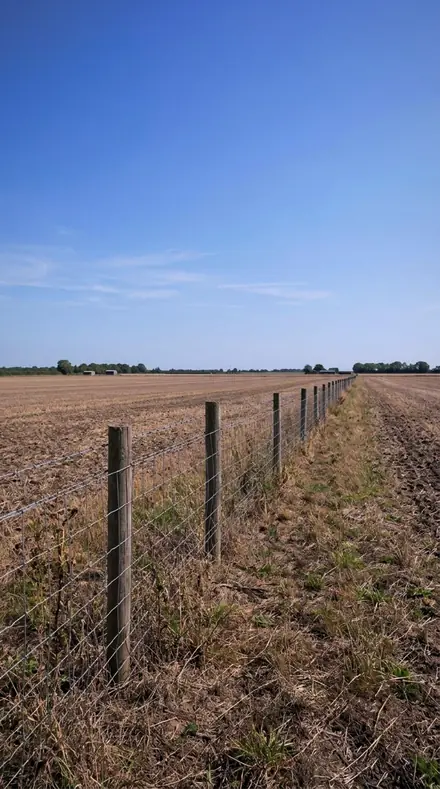
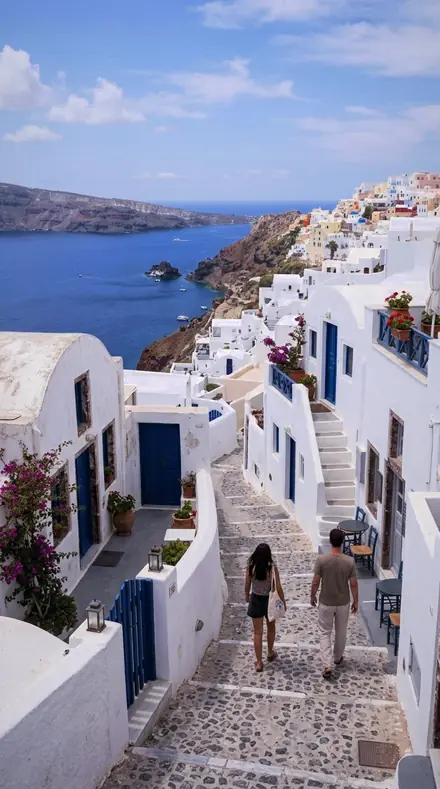
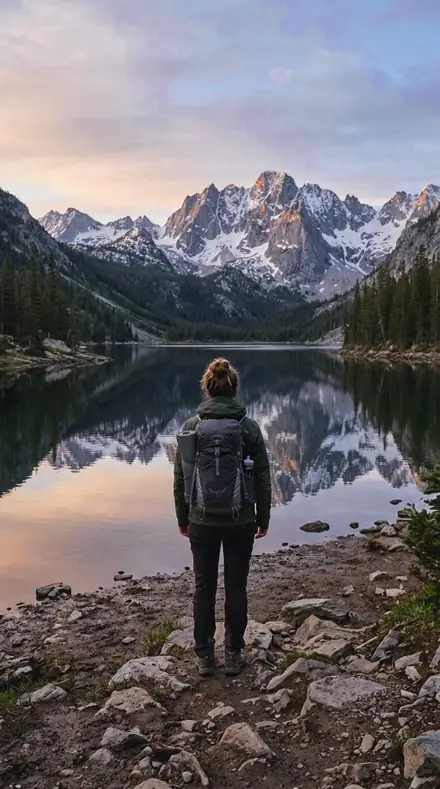
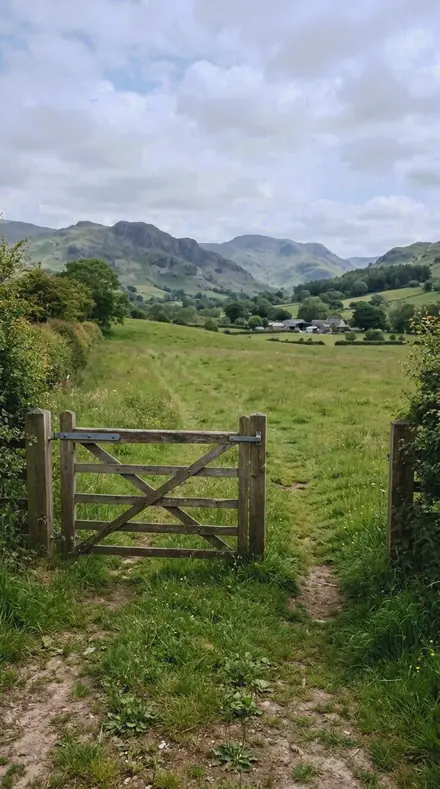
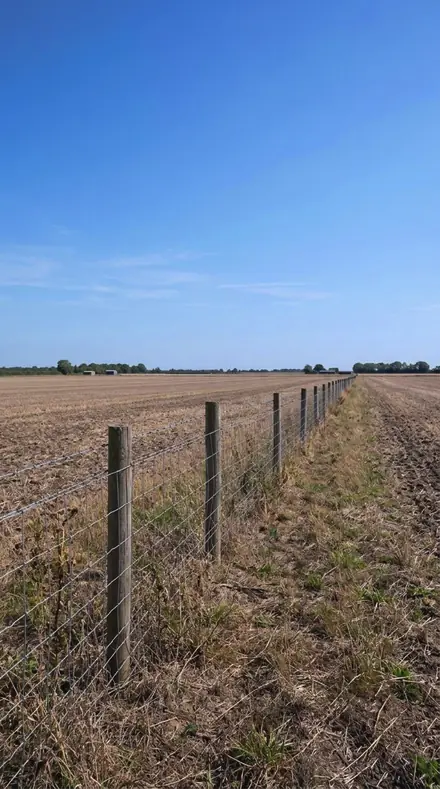
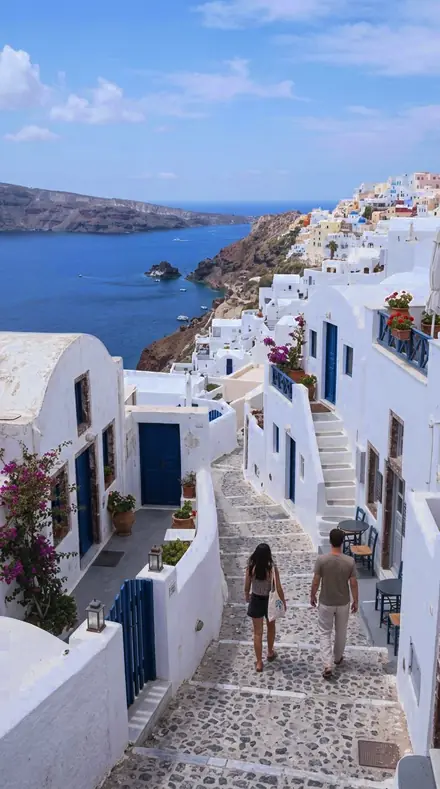
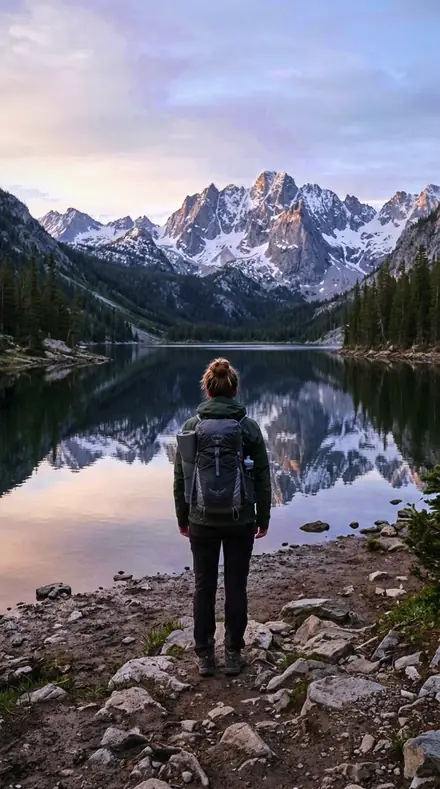
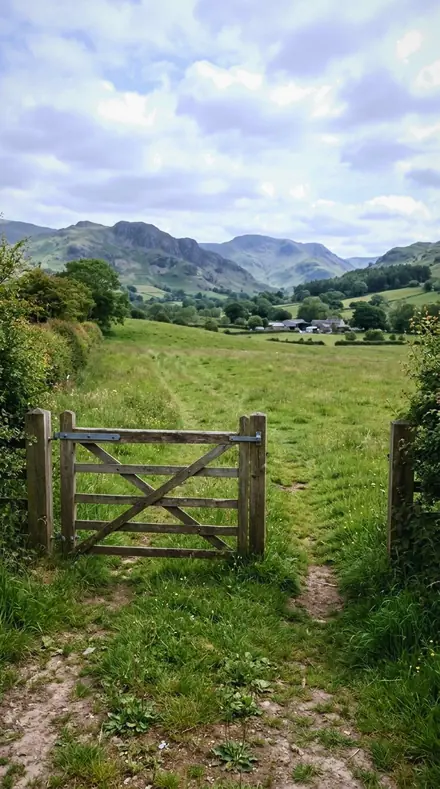
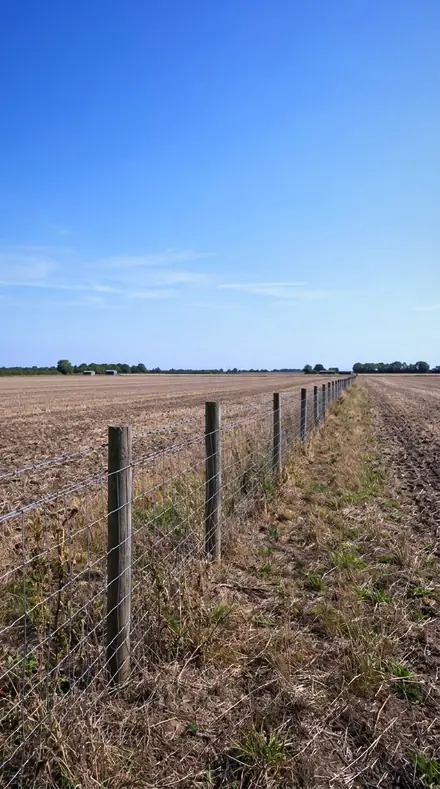
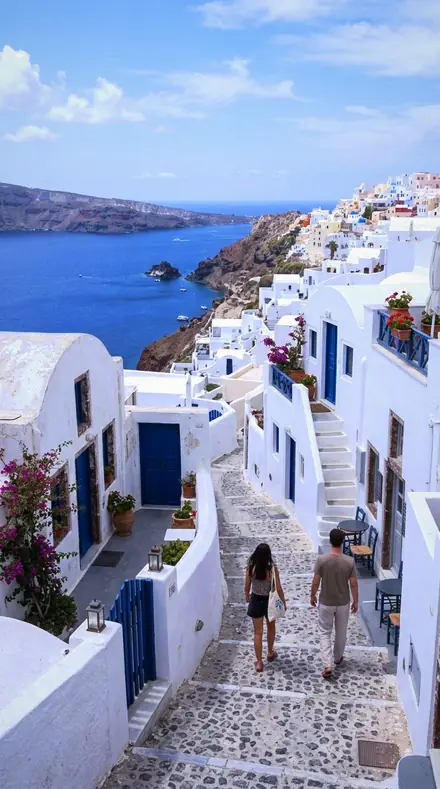
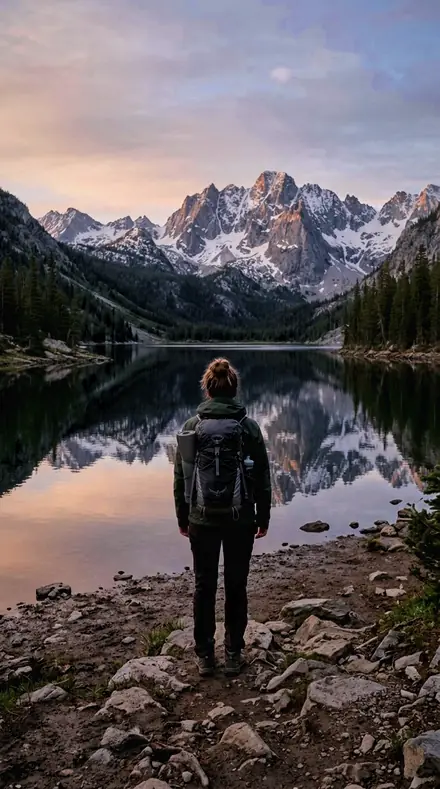
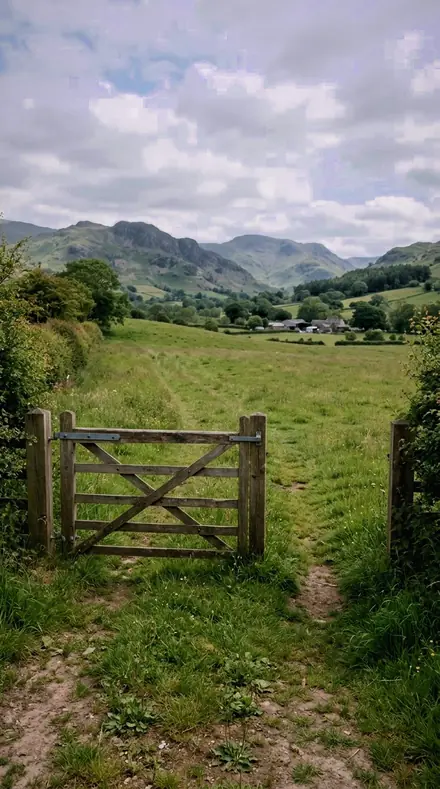
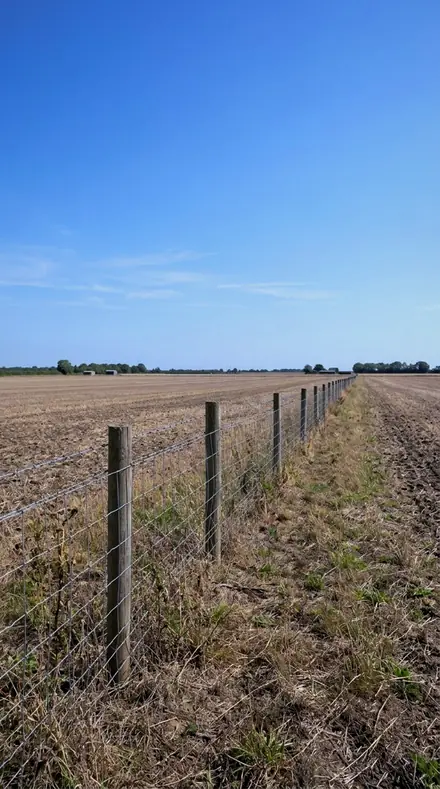
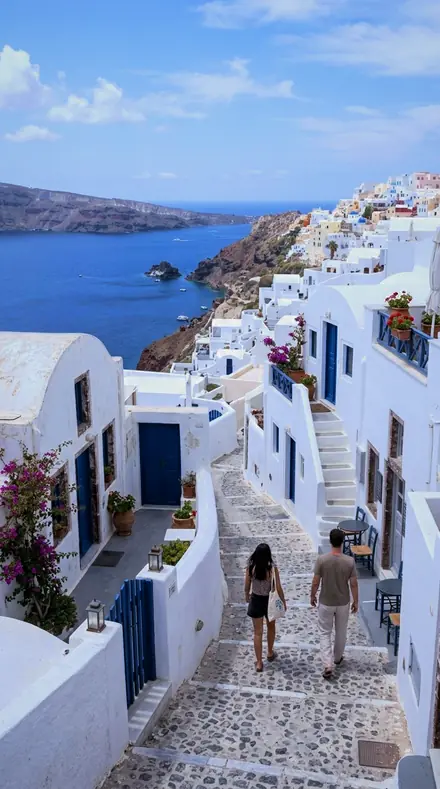
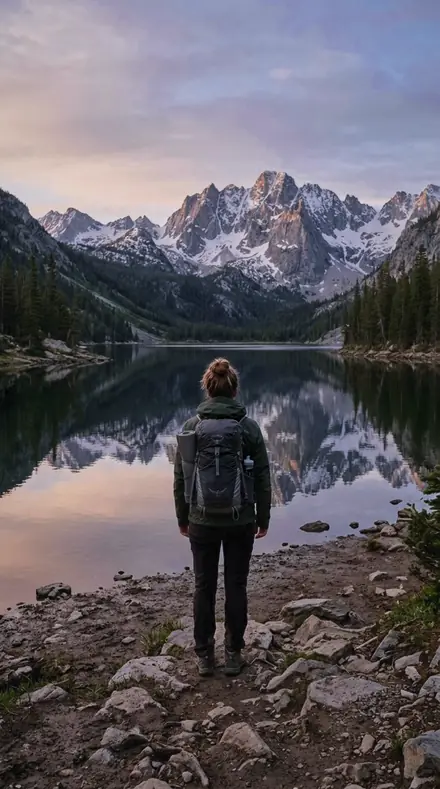
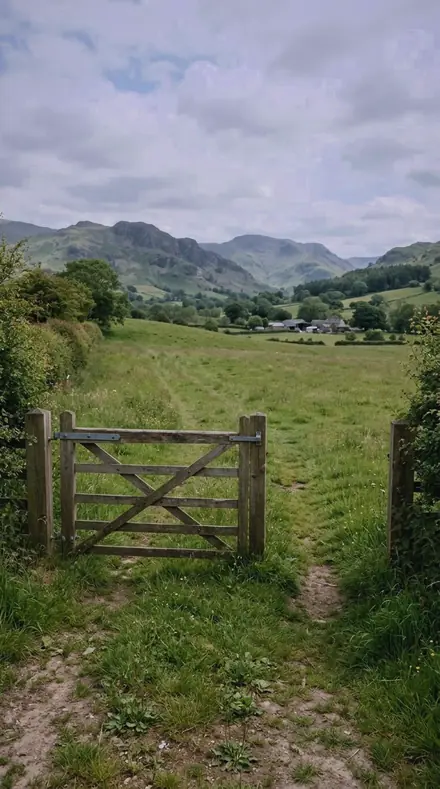
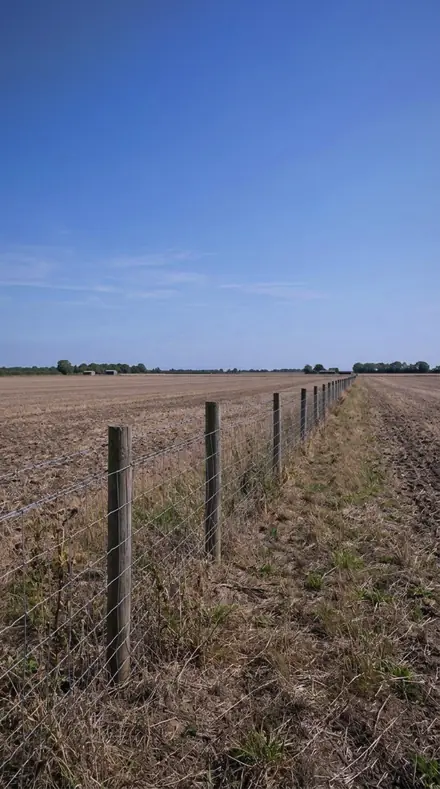
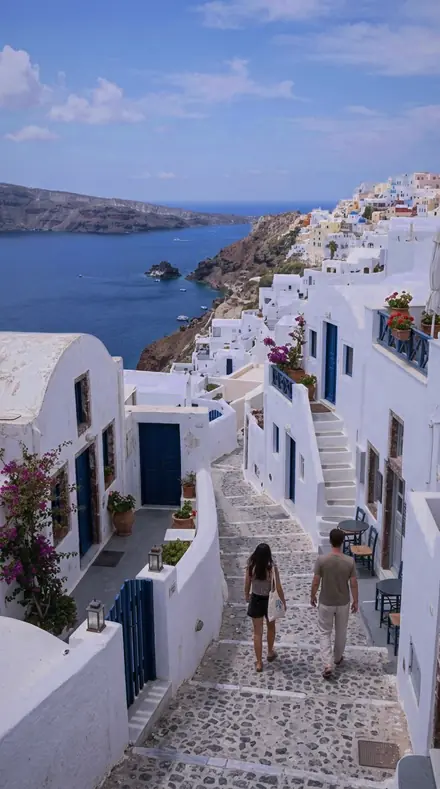
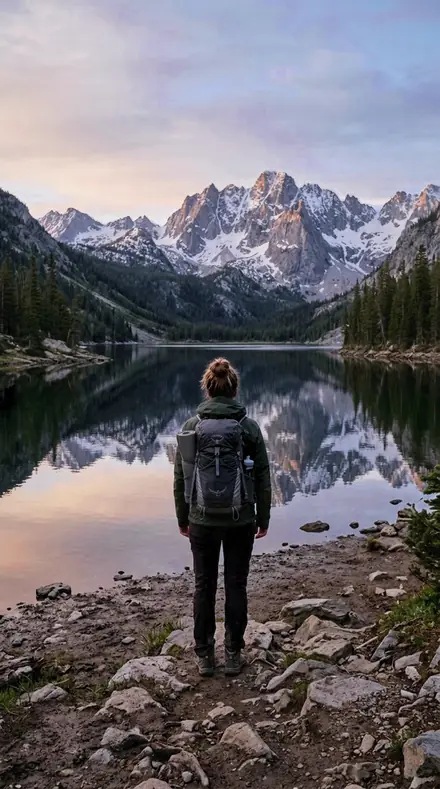
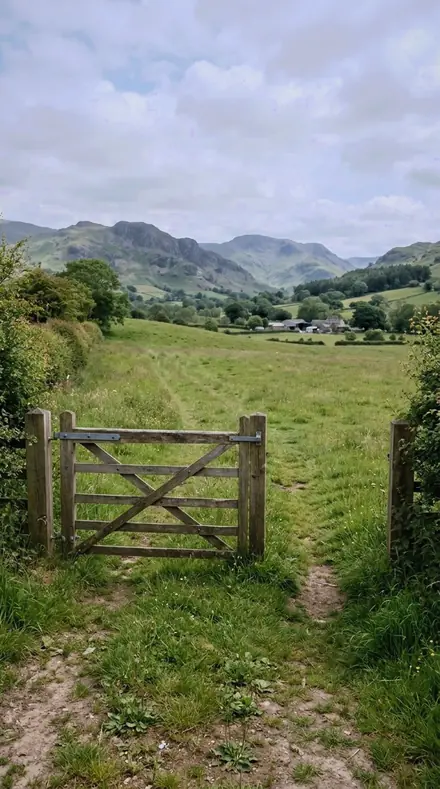
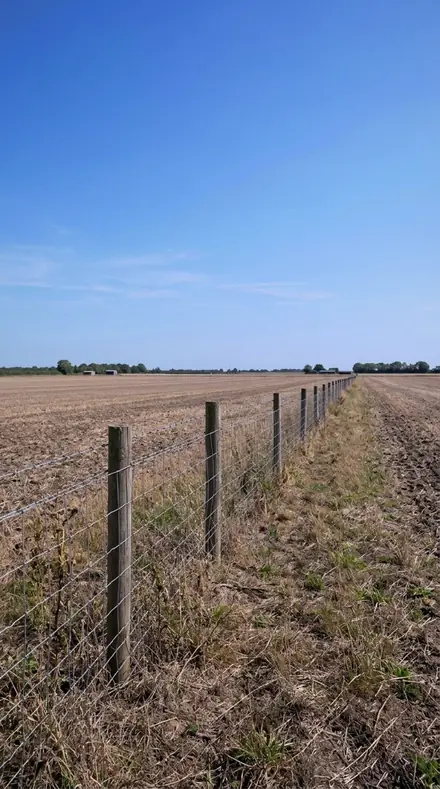
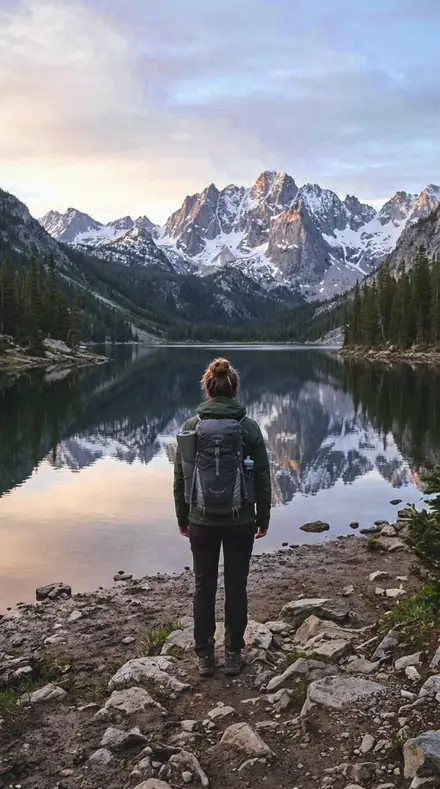
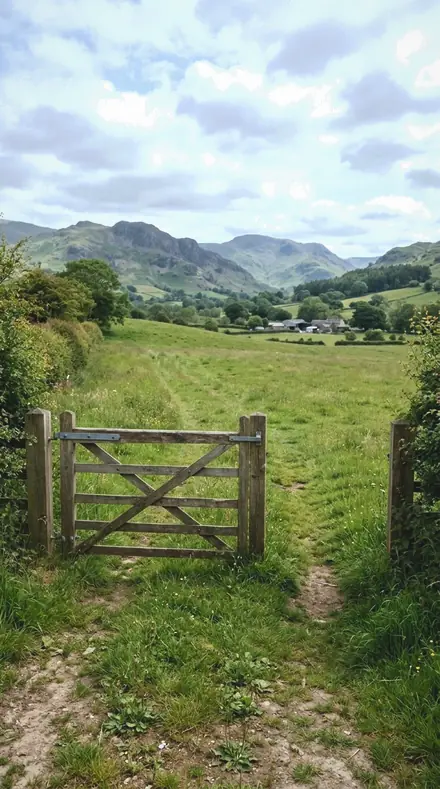
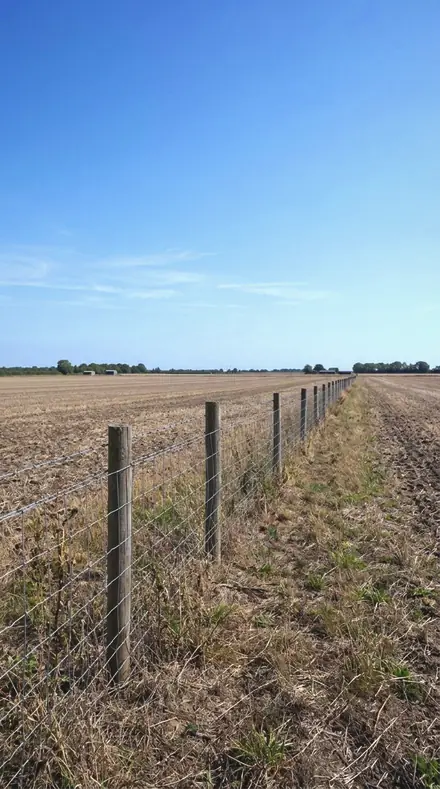
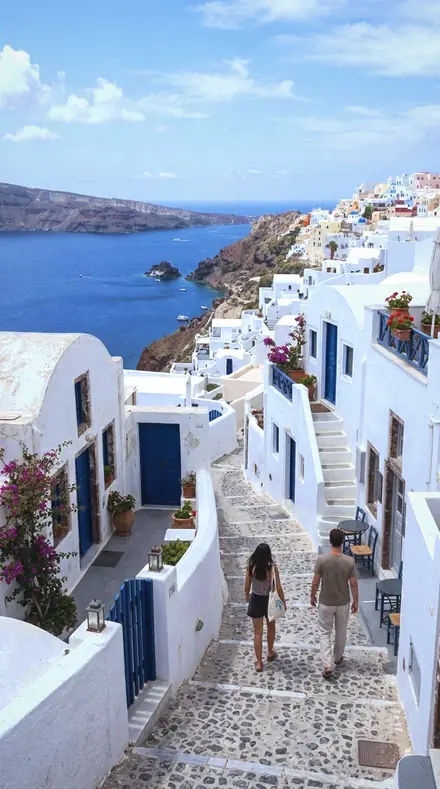
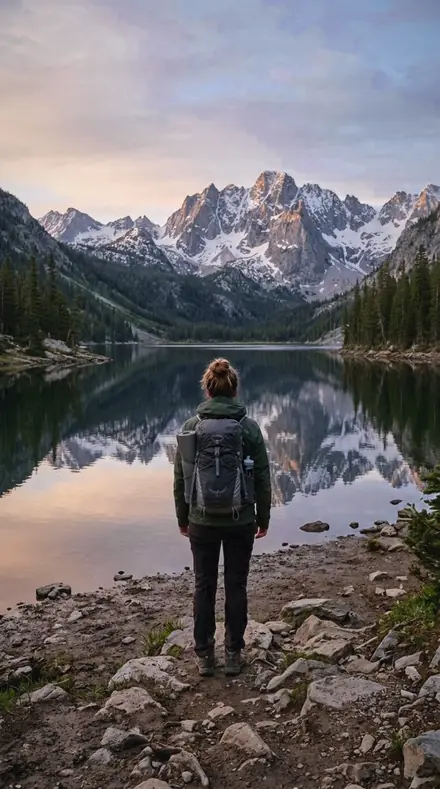
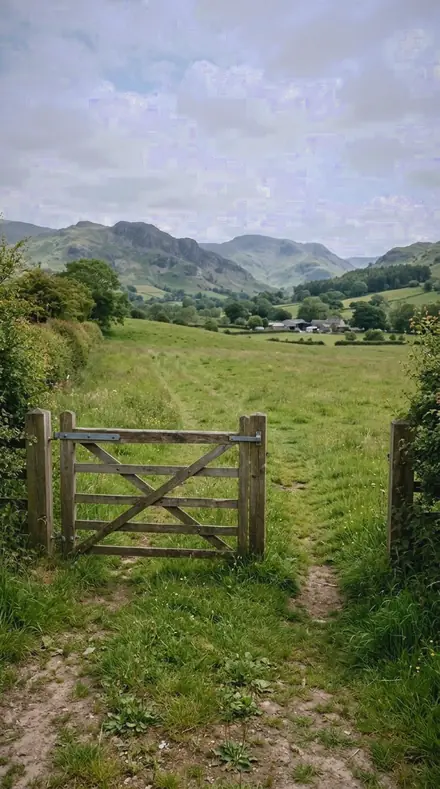
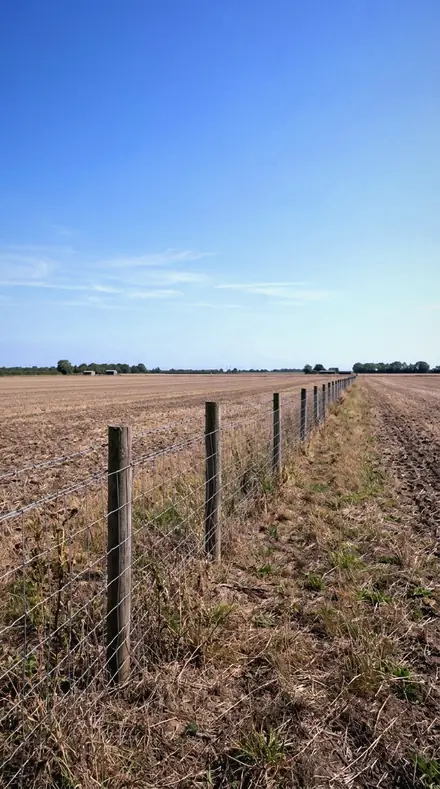
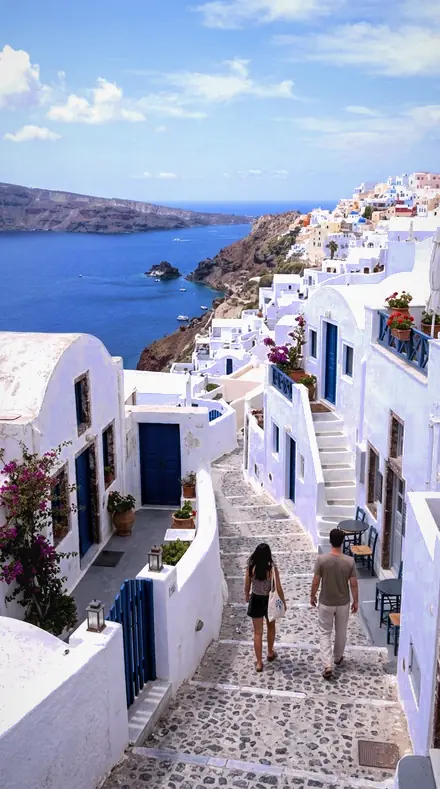
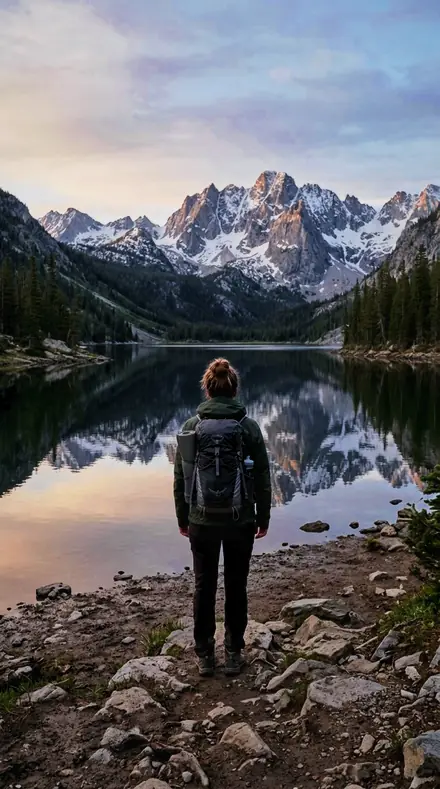
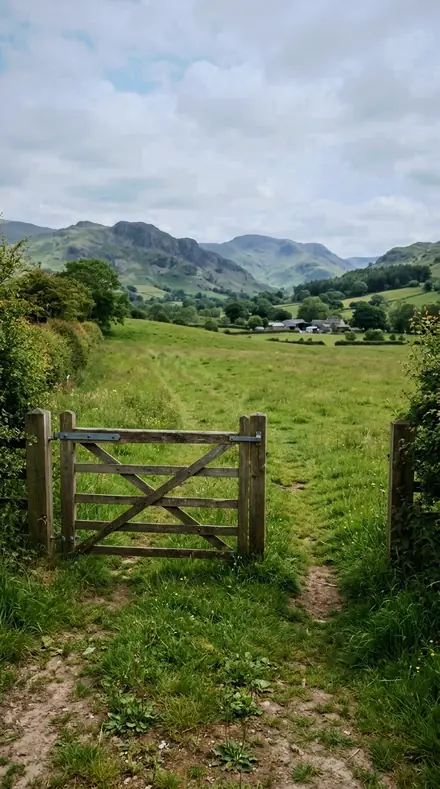
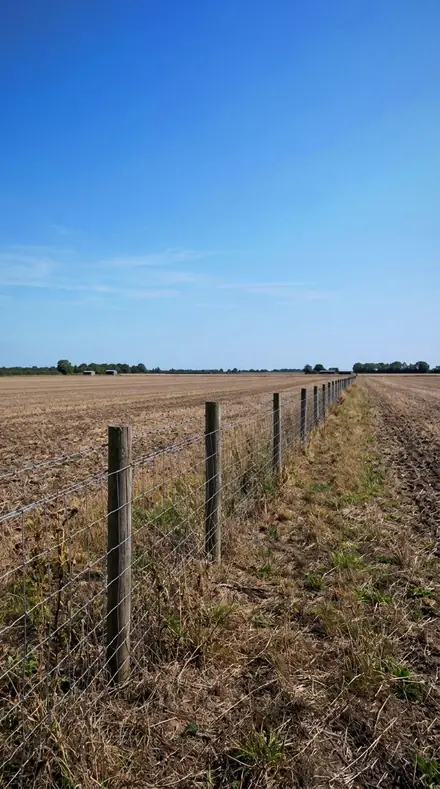
Every preset on the same four frames: a lake at altitude, a gate, a fence in sun, a lane at noon.
Sky
6 presetsBlue turned toward violet, the zenith held as the darkest thing in the frame.
marker 01Plateau Bluethin air scatters less, so the zenith sky is deep and the shade is unfilled: blue luminance is dropped and the shadows opened together
![Plateau Blue applied to Zenith, dark]()
![Before: Zenith, dark]()
Zenith, dark ![Plateau Blue applied to The gate, thin air]()
![Before: The gate, thin air]()
The gate, thin air ![Plateau Blue applied to Sun on the fence, no fill]()
![Before: Sun on the fence, no fill]()
Sun on the fence, no fill ![Plateau Blue applied to Noon, unfiltered]()
![Before: Noon, unfiltered]()
Noon, unfiltered Drag the handle. Left is the original, right is Plateau Blue. Rendered from the preset's own settings, not a Lightroom export, so the real thing carries a little more bite.
marker 02Rare Airat low air pressure the Rayleigh path is short, which darkens the sky without touching saturation
![Rare Air applied to Zenith, dark]()
![Before: Zenith, dark]()
Zenith, dark ![Rare Air applied to The gate, thin air]()
![Before: The gate, thin air]()
The gate, thin air ![Rare Air applied to Sun on the fence, no fill]()
![Before: Sun on the fence, no fill]()
Sun on the fence, no fill ![Rare Air applied to Noon, unfiltered]()
![Before: Noon, unfiltered]()
Noon, unfiltered Drag the handle. Left is the original, right is Rare Air. Rendered from the preset's own settings, not a Lightroom export, so the real thing carries a little more bite.
marker 06Cobalt Skya thin-atmosphere sky runs toward violet, which is why the blue hue is turned that way and purple given saturation
![Cobalt Sky applied to Zenith, dark]()
![Before: Zenith, dark]()
Zenith, dark ![Cobalt Sky applied to The gate, thin air]()
![Before: The gate, thin air]()
The gate, thin air ![Cobalt Sky applied to Sun on the fence, no fill]()
![Before: Sun on the fence, no fill]()
Sun on the fence, no fill ![Cobalt Sky applied to Noon, unfiltered]()
![Before: Noon, unfiltered]()
Noon, unfiltered Drag the handle. Left is the original, right is Cobalt Sky. Rendered from the preset's own settings, not a Lightroom export, so the real thing carries a little more bite.
marker 10Ultraviolet Edgeshort-wave energy is higher up here; the purple and blue bands carry that rather than the saturation slider
![Ultraviolet Edge applied to Zenith, dark]()
![Before: Zenith, dark]()
Zenith, dark ![Ultraviolet Edge applied to The gate, thin air]()
![Before: The gate, thin air]()
The gate, thin air ![Ultraviolet Edge applied to Sun on the fence, no fill]()
![Before: Sun on the fence, no fill]()
Sun on the fence, no fill ![Ultraviolet Edge applied to Noon, unfiltered]()
![Before: Noon, unfiltered]()
Noon, unfiltered Drag the handle. Left is the original, right is Ultraviolet Edge. Rendered from the preset's own settings, not a Lightroom export, so the real thing carries a little more bite.
marker 12Blue Zeniththe sky overhead is the darkest part of a high-altitude frame, and this grade preserves that inversion
![Blue Zenith applied to Zenith, dark]()
![Before: Zenith, dark]()
Zenith, dark ![Blue Zenith applied to The gate, thin air]()
![Before: The gate, thin air]()
The gate, thin air ![Blue Zenith applied to Sun on the fence, no fill]()
![Before: Sun on the fence, no fill]()
Sun on the fence, no fill ![Blue Zenith applied to Noon, unfiltered]()
![Before: Noon, unfiltered]()
Noon, unfiltered Drag the handle. Left is the original, right is Blue Zenith. Rendered from the preset's own settings, not a Lightroom export, so the real thing carries a little more bite.
marker 17Indigo Skya violet-leaning sky is a physical consequence of a short scattering path, and the midtone wheel places it
![Indigo Sky applied to Zenith, dark]()
![Before: Zenith, dark]()
Zenith, dark ![Indigo Sky applied to The gate, thin air]()
![Before: The gate, thin air]()
The gate, thin air ![Indigo Sky applied to Sun on the fence, no fill]()
![Before: Sun on the fence, no fill]()
Sun on the fence, no fill ![Indigo Sky applied to Noon, unfiltered]()
![Before: Noon, unfiltered]()
Noon, unfiltered Drag the handle. Left is the original, right is Indigo Sky. Rendered from the preset's own settings, not a Lightroom export, so the real thing carries a little more bite.
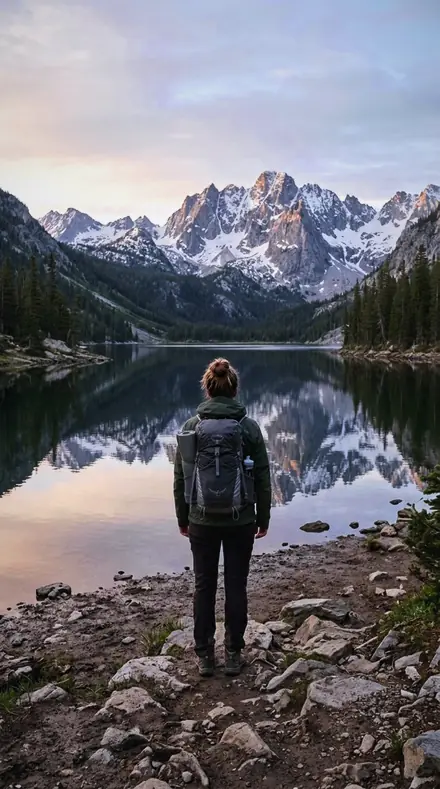
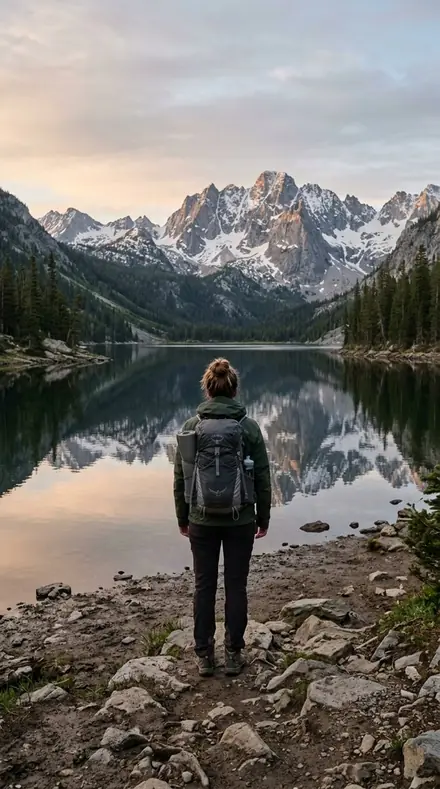
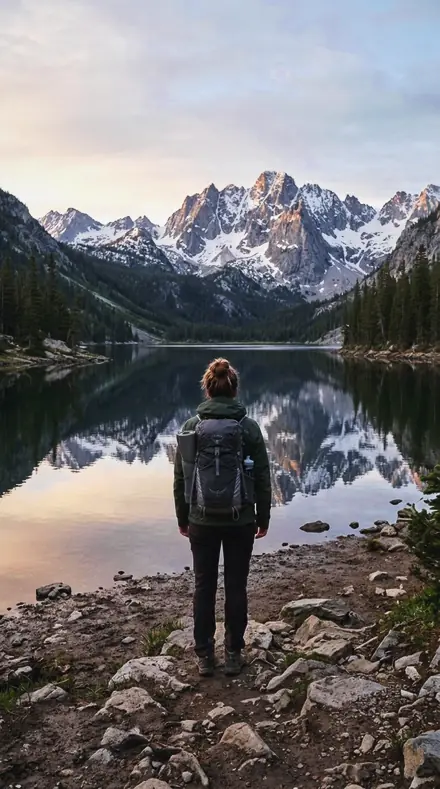
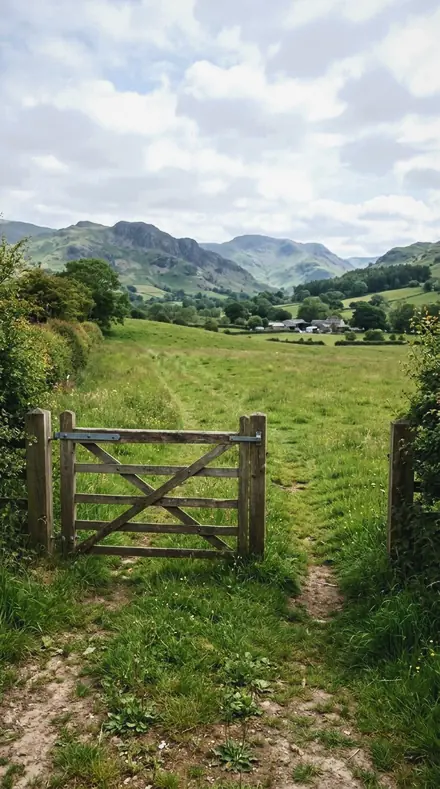
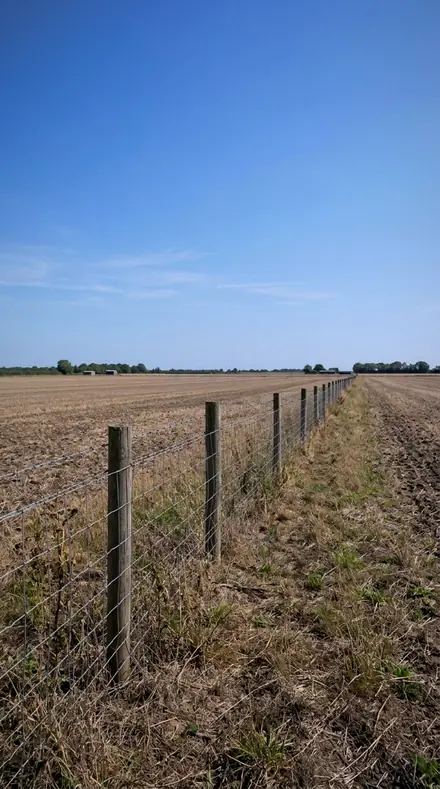
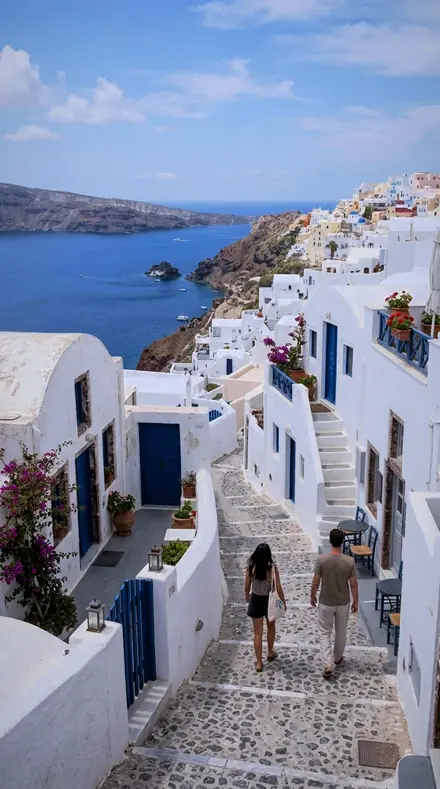
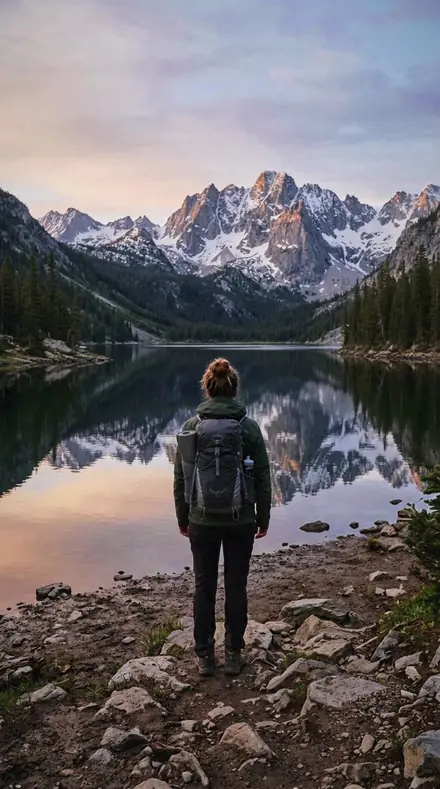
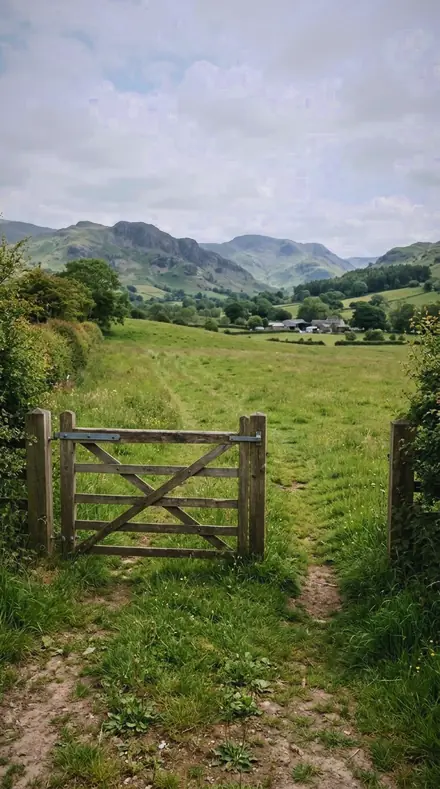
Shade
5 presetsUnfilled shade set deep and cooled, then opened only as far as the rock face needs.
marker 04Hard Shadeunfilled shade at altitude is close to black, so the blacks set deep and the shadow slider does the recovery
![Hard Shade applied to Zenith, dark]()
![Before: Zenith, dark]()
Zenith, dark ![Hard Shade applied to The gate, thin air]()
![Before: The gate, thin air]()
The gate, thin air ![Hard Shade applied to Sun on the fence, no fill]()
![Before: Sun on the fence, no fill]()
Sun on the fence, no fill ![Hard Shade applied to Noon, unfiltered]()
![Before: Noon, unfiltered]()
Noon, unfiltered Drag the handle. Left is the original, right is Hard Shade. Rendered from the preset's own settings, not a Lightroom export, so the real thing carries a little more bite.
marker 09Void Shadeshade at altitude is lit only by a deep sky, so the shadow grading wheel is lowered and cooled
![Void Shade applied to Zenith, dark]()
![Before: Zenith, dark]()
Zenith, dark ![Void Shade applied to The gate, thin air]()
![Before: The gate, thin air]()
The gate, thin air ![Void Shade applied to Sun on the fence, no fill]()
![Before: Sun on the fence, no fill]()
Sun on the fence, no fill ![Void Shade applied to Noon, unfiltered]()
![Before: Noon, unfiltered]()
Noon, unfiltered Drag the handle. Left is the original, right is Void Shade. Rendered from the preset's own settings, not a Lightroom export, so the real thing carries a little more bite.
marker 14Shade Wellfor the deep shade beside a rock face, opened by the shadow slider and cooled by the grading wheel
![Shade Well applied to Zenith, dark]()
![Before: Zenith, dark]()
Zenith, dark ![Shade Well applied to The gate, thin air]()
![Before: The gate, thin air]()
The gate, thin air ![Shade Well applied to Sun on the fence, no fill]()
![Before: Sun on the fence, no fill]()
Sun on the fence, no fill ![Shade Well applied to Noon, unfiltered]()
![Before: Noon, unfiltered]()
Noon, unfiltered Drag the handle. Left is the original, right is Shade Well. Rendered from the preset's own settings, not a Lightroom export, so the real thing carries a little more bite.
marker 16Stark Ridgean exposed ridge under thin air, with the aqua luminance dropped so distance does not go pale
![Stark Ridge applied to Zenith, dark]()
![Before: Zenith, dark]()
Zenith, dark ![Stark Ridge applied to The gate, thin air]()
![Before: The gate, thin air]()
The gate, thin air ![Stark Ridge applied to Sun on the fence, no fill]()
![Before: Sun on the fence, no fill]()
Sun on the fence, no fill ![Stark Ridge applied to Noon, unfiltered]()
![Before: Noon, unfiltered]()
Noon, unfiltered Drag the handle. Left is the original, right is Stark Ridge. Rendered from the preset's own settings, not a Lightroom export, so the real thing carries a little more bite.
marker 18Bare Slopefor open ground at altitude, graded cool on the white balance and restrained on global saturation
![Bare Slope applied to Zenith, dark]()
![Before: Zenith, dark]()
Zenith, dark ![Bare Slope applied to The gate, thin air]()
![Before: The gate, thin air]()
The gate, thin air ![Bare Slope applied to Sun on the fence, no fill]()
![Before: Sun on the fence, no fill]()
Sun on the fence, no fill ![Bare Slope applied to Noon, unfiltered]()
![Before: Noon, unfiltered]()
Noon, unfiltered Drag the handle. Left is the original, right is Bare Slope. Rendered from the preset's own settings, not a Lightroom export, so the real thing carries a little more bite.
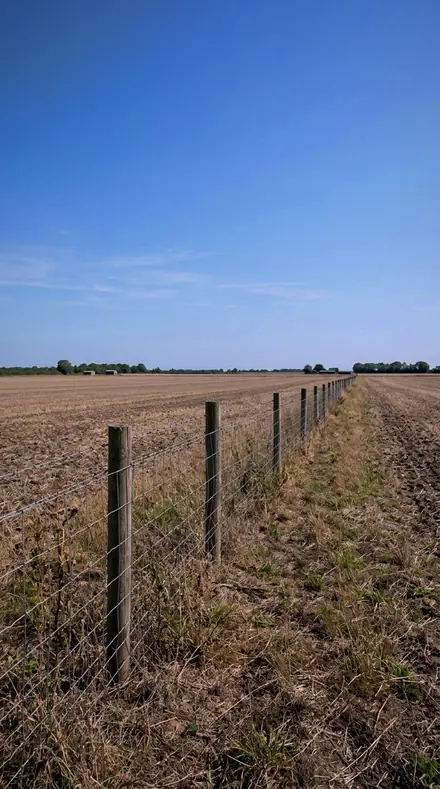
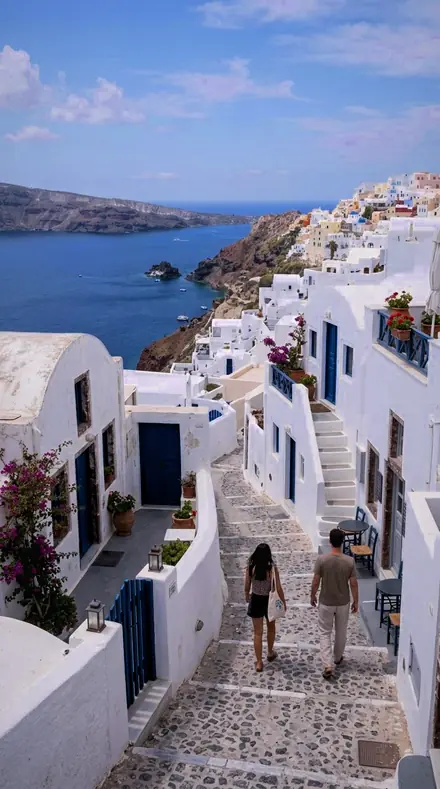
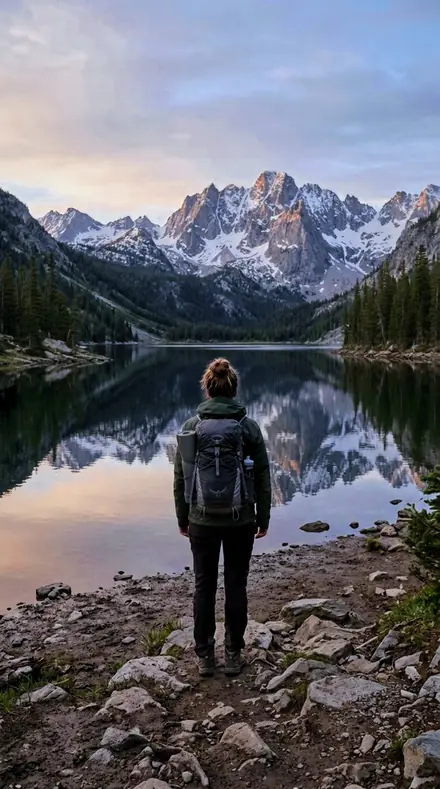
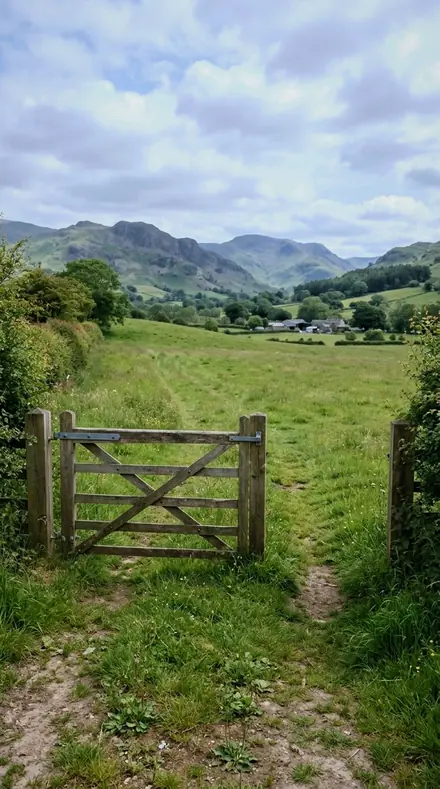
Sun
7 presetsThe beam on rock. Glare held down, scree kept from going flat, hard edges given a hard curve.
marker 03Airless Noonfor a high plateau near local noon, where the beam is nearly unattenuated and the highlights are pulled hard
![Airless Noon applied to Zenith, dark]()
![Before: Zenith, dark]()
Zenith, dark ![Airless Noon applied to The gate, thin air]()
![Before: The gate, thin air]()
The gate, thin air ![Airless Noon applied to Sun on the fence, no fill]()
![Before: Sun on the fence, no fill]()
Sun on the fence, no fill ![Airless Noon applied to Noon, unfiltered]()
![Before: Noon, unfiltered]()
Noon, unfiltered Drag the handle. Left is the original, right is Airless Noon. Rendered from the preset's own settings, not a Lightroom export, so the real thing carries a little more bite.
marker 05Sun Stingthe direct beam at altitude carries more short-wave energy, and this grades the resulting cool bite
![Sun Sting applied to Zenith, dark]()
![Before: Zenith, dark]()
Zenith, dark ![Sun Sting applied to The gate, thin air]()
![Before: The gate, thin air]()
The gate, thin air ![Sun Sting applied to Sun on the fence, no fill]()
![Before: Sun on the fence, no fill]()
Sun on the fence, no fill ![Sun Sting applied to Noon, unfiltered]()
![Before: Noon, unfiltered]()
Noon, unfiltered Drag the handle. Left is the original, right is Sun Sting. Rendered from the preset's own settings, not a Lightroom export, so the real thing carries a little more bite.
marker 07Scree Fieldloose rock under brutal light, graded on red and aqua luminance to keep the stone from going flat
![Scree Field applied to Zenith, dark]()
![Before: Zenith, dark]()
Zenith, dark ![Scree Field applied to The gate, thin air]()
![Before: The gate, thin air]()
The gate, thin air ![Scree Field applied to Sun on the fence, no fill]()
![Before: Sun on the fence, no fill]()
Sun on the fence, no fill ![Scree Field applied to Noon, unfiltered]()
![Before: Noon, unfiltered]()
Noon, unfiltered Drag the handle. Left is the original, right is Scree Field. Rendered from the preset's own settings, not a Lightroom export, so the real thing carries a little more bite.
marker 08Altitude Burnfor the extreme range of a high plateau, with the highlight parametric band held and the toe left deep
![Altitude Burn applied to Zenith, dark]()
![Before: Zenith, dark]()
Zenith, dark ![Altitude Burn applied to The gate, thin air]()
![Before: The gate, thin air]()
The gate, thin air ![Altitude Burn applied to Sun on the fence, no fill]()
![Before: Sun on the fence, no fill]()
Sun on the fence, no fill ![Altitude Burn applied to Noon, unfiltered]()
![Before: Noon, unfiltered]()
Noon, unfiltered Drag the handle. Left is the original, right is Altitude Burn. Rendered from the preset's own settings, not a Lightroom export, so the real thing carries a little more bite.
marker 11Granite Glarebare stone in unfiltered sun, where clarity and texture separate the surface that colour cannot
![Granite Glare applied to Zenith, dark]()
![Before: Zenith, dark]()
Zenith, dark ![Granite Glare applied to The gate, thin air]()
![Before: The gate, thin air]()
The gate, thin air ![Granite Glare applied to Sun on the fence, no fill]()
![Before: Sun on the fence, no fill]()
Sun on the fence, no fill ![Granite Glare applied to Noon, unfiltered]()
![Before: Noon, unfiltered]()
Noon, unfiltered Drag the handle. Left is the original, right is Granite Glare. Rendered from the preset's own settings, not a Lightroom export, so the real thing carries a little more bite.
marker 13Sun Cuta hard-edged beam makes hard-edged shadows, so the curve is set for the transition rather than the tone
![Sun Cut applied to Zenith, dark]()
![Before: Zenith, dark]()
Zenith, dark ![Sun Cut applied to The gate, thin air]()
![Before: The gate, thin air]()
The gate, thin air ![Sun Cut applied to Sun on the fence, no fill]()
![Before: Sun on the fence, no fill]()
Sun on the fence, no fill ![Sun Cut applied to Noon, unfiltered]()
![Before: Noon, unfiltered]()
Noon, unfiltered Drag the handle. Left is the original, right is Sun Cut. Rendered from the preset's own settings, not a Lightroom export, so the real thing carries a little more bite.
marker 15Peak Glareat altitude the specular return from wet or icy rock is intense, so the highlights are held far down
![Peak Glare applied to Zenith, dark]()
![Before: Zenith, dark]()
Zenith, dark ![Peak Glare applied to The gate, thin air]()
![Before: The gate, thin air]()
The gate, thin air ![Peak Glare applied to Sun on the fence, no fill]()
![Before: Sun on the fence, no fill]()
Sun on the fence, no fill ![Peak Glare applied to Noon, unfiltered]()
![Before: Noon, unfiltered]()
Noon, unfiltered Drag the handle. Left is the original, right is Peak Glare. Rendered from the preset's own settings, not a Lightroom export, so the real thing carries a little more bite.
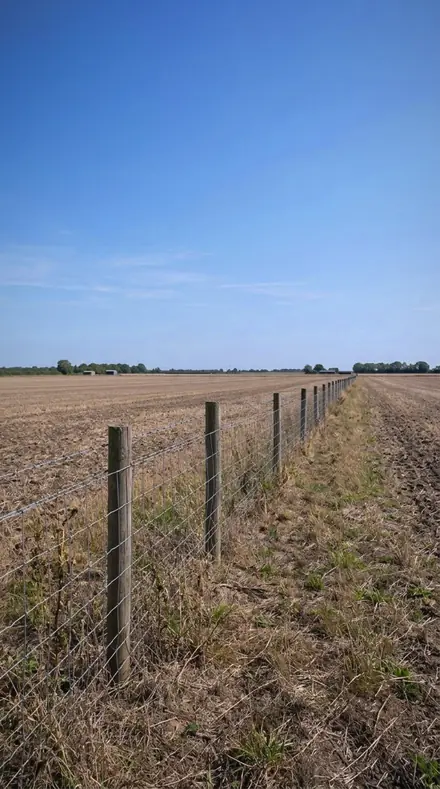
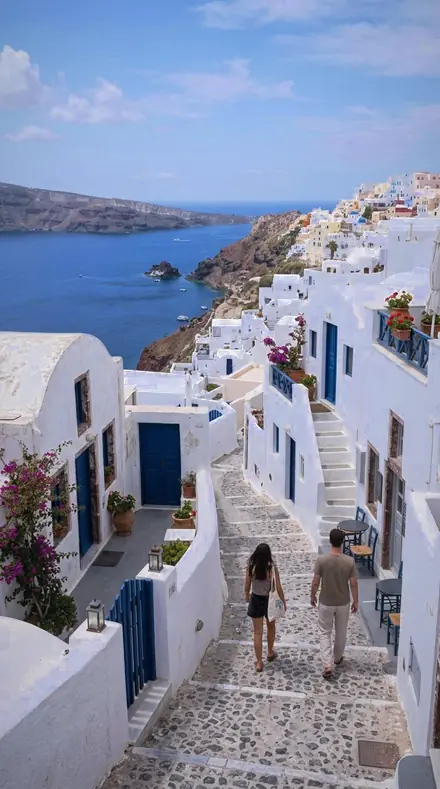
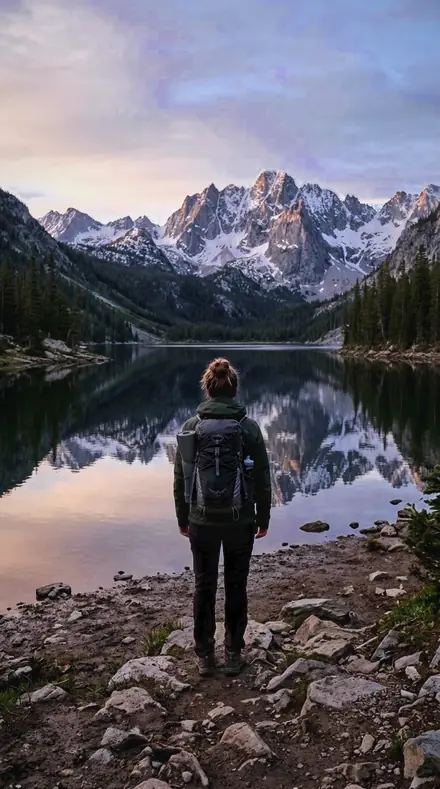
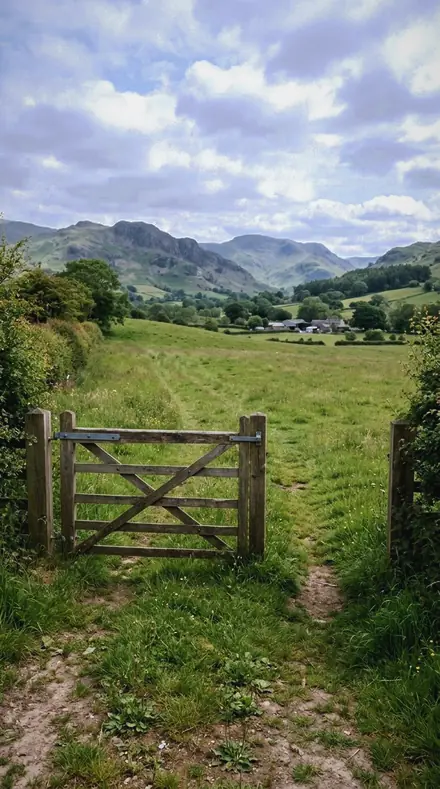
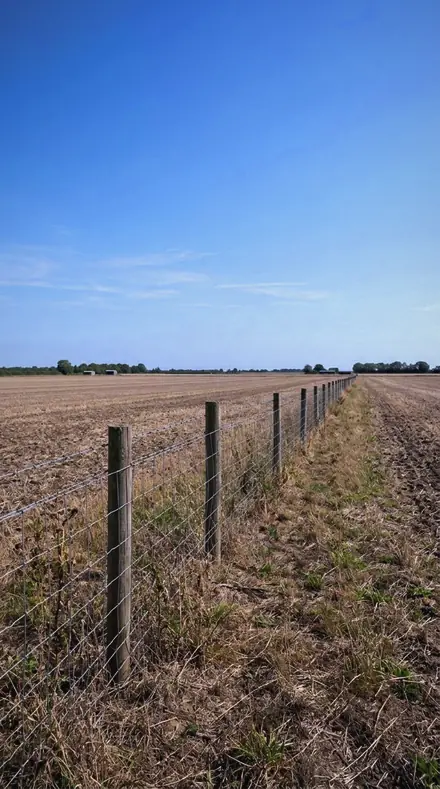
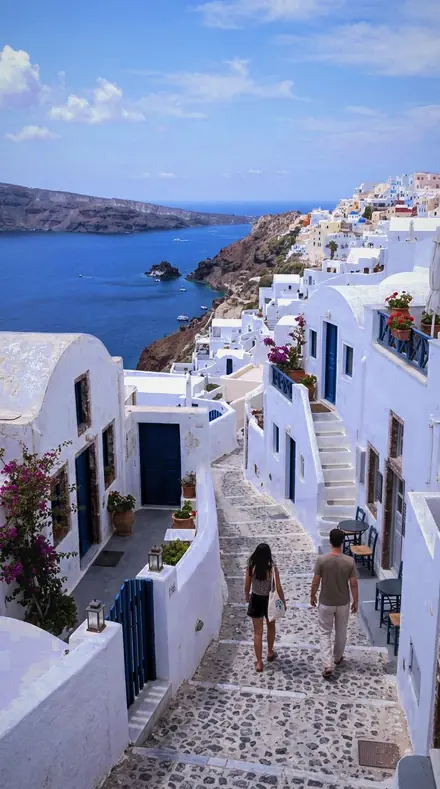
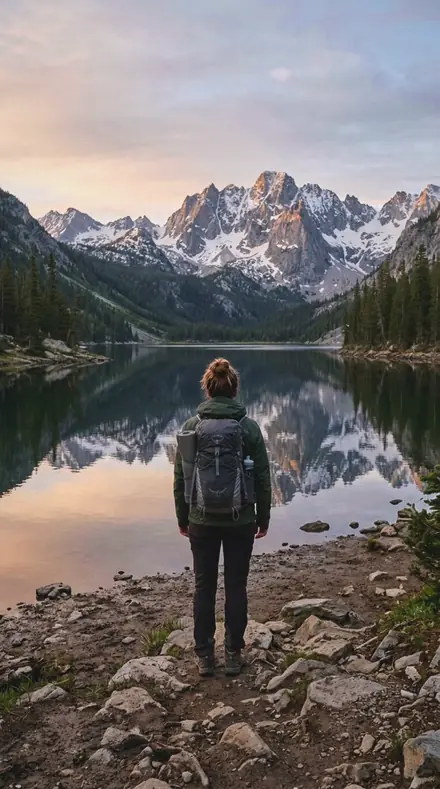
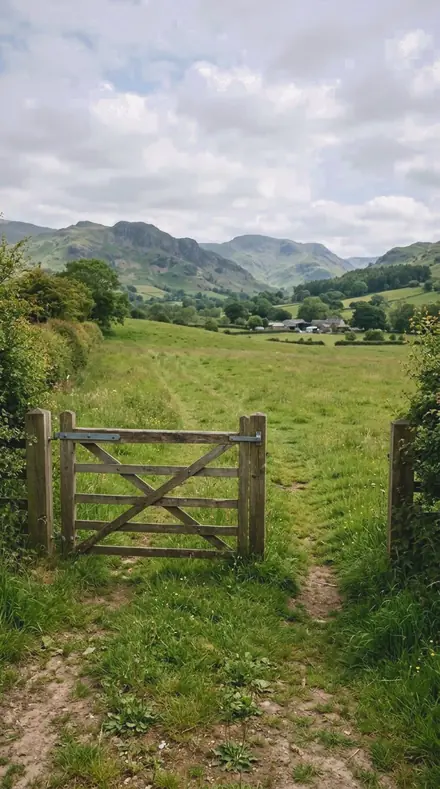
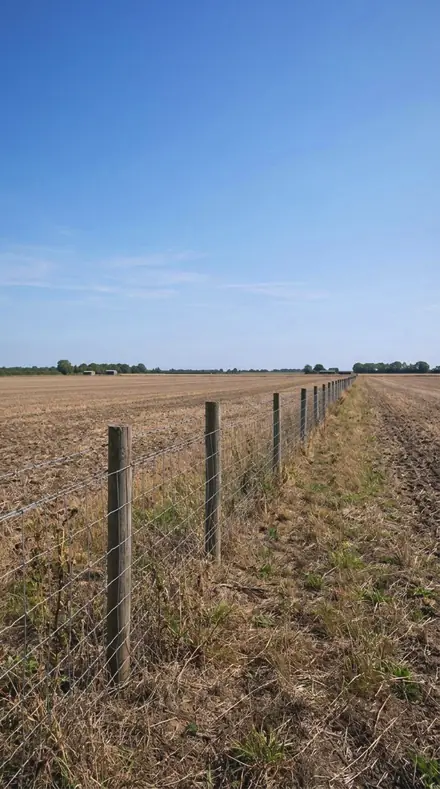
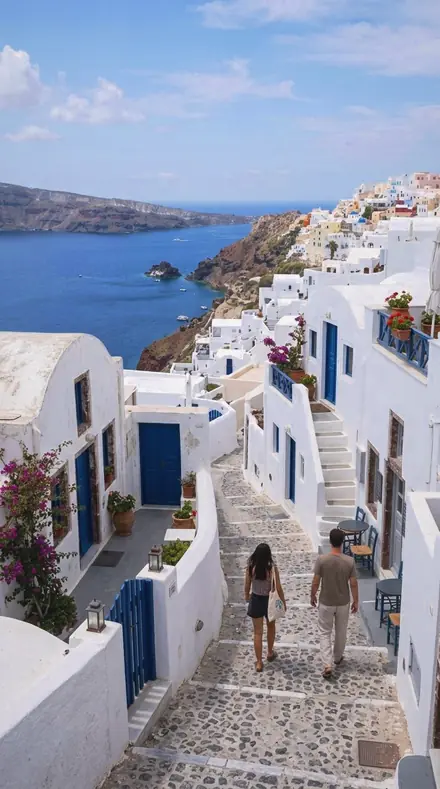
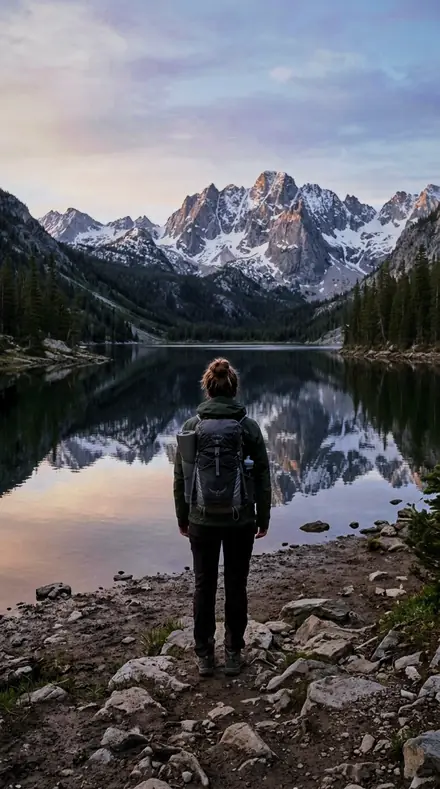
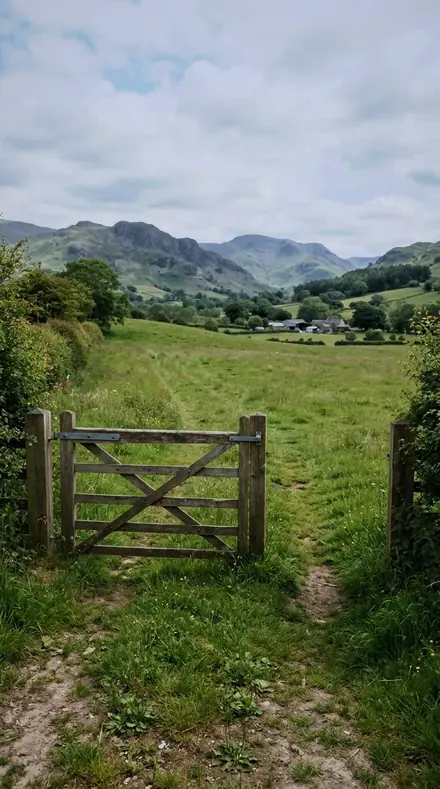
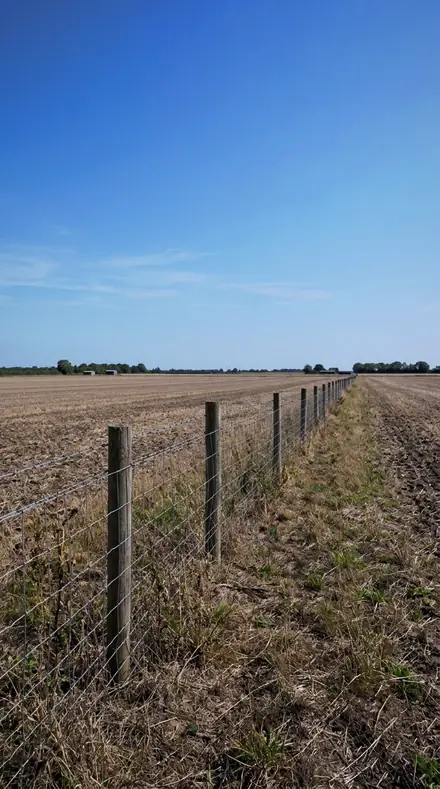
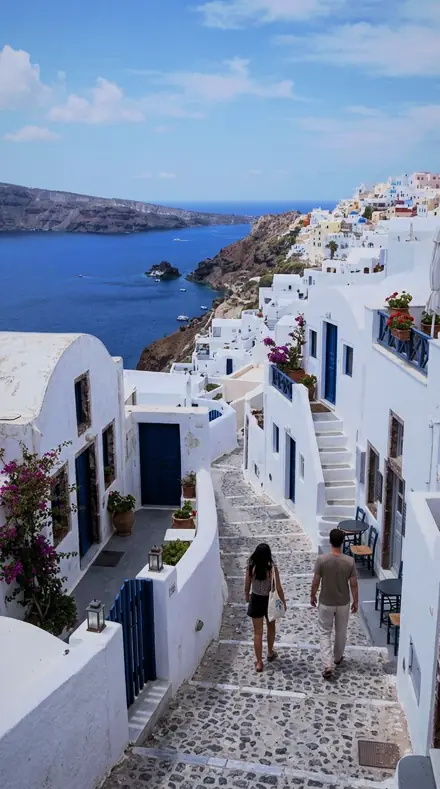
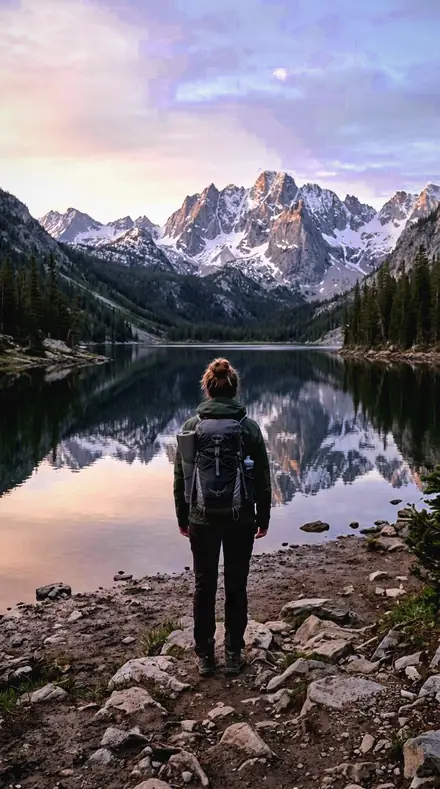
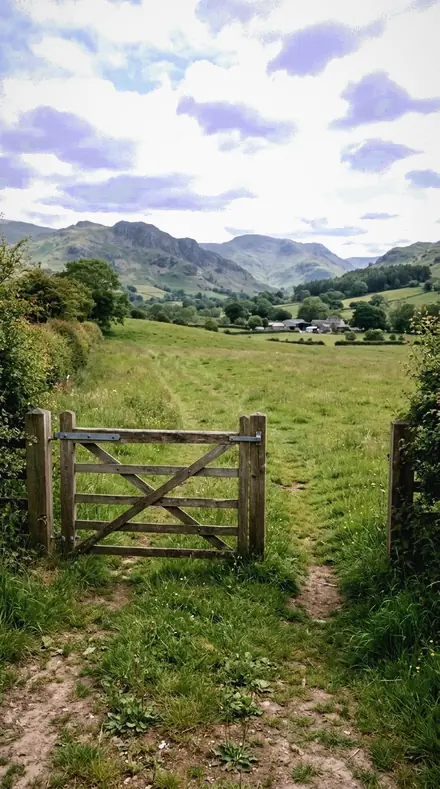
how it works
Yours in two minutes
- Buy the setCheckout takes a card; you get a receipt by email.
- Download instantlyThe preset files download right after payment. Re-download any time from your account.
- Import to LightroomOpen the files in the free Lightroom app (iOS or Android) or Lightroom Classic. Lightroom saves them as presets automatically.
- Tap a presetOne tap applies the full look. Every setting stays editable after.
- Single-user license. Yours to use in personal and client work.
- No redistribution. Don't resell or share the preset files themselves.
- Free app is enough. No Adobe subscription needed for Lightroom mobile.
- Keep it forever. Files live in your account for re-download.

the maker
Why I Make These
I am Netzah Elad Topaz. I take photographs and I build software, and the two keep leading me back to the same problem. You were there. The light was doing something you will not see again. Then the photo comes back flat, and it is not what you were looking at.
Closing that gap is the whole job. Every preset here is built from Adobe defaults by hand, with a written note for what it should do to a picture, and it is judged on real photographs before it ships. Nothing is a filter dropped on top of your work.
What I want is simple. You open a photo you almost gave up on, you tap once, and there it is: the day you remember, not the file your camera handed you. That is worth doing properly.
Netzah Elad Topaz, photographer and software builder
get it
Get Highland Thin
Highland Thin
$79.99
All 18 presets · one-time payment · instant download
Works in the free Lightroom app · keep forever
Instant download after payment. The download link is also sent to your email and stays available in your account.
questions
Asked and Answered
Will it work below the treeline?
Yes, but the look is built for thin air. On a valley frame the violet sky and unfilled shade read as a choice rather than a record. Rare Air is the mildest place to start.
Do these work in the free Lightroom app?
Yes. Import the .xmp files in the free Lightroom app on iPhone or Android, no subscription needed. They also work in Lightroom Classic and Lightroom on desktop.
What exactly do I get?
All 18 presets from Highland Thin as .xmp files in an instant ZIP download. The link also lands in your email, and the purchase stays in your account so you can re-download any time.
How do I install them?
Two minutes: unzip, then import inside Lightroom. The step-by-step guide covers iPhone, Android, and desktop.
Can I use them for client work?
Yes. The single-user license covers personal and commercial photography. The one thing you can't do is share or resell the preset files themselves.
Can I tweak a preset after applying it?
Always. A preset is a starting point; every slider stays yours to adjust.
What if it's not for me?
Before your first download we refund, no questions asked. After a download, sales are final except a technical fault we cannot fix or a duplicate charge. Details on the refunds page.